
Products
★ Virtual Device ★
★ Audio ★
★ Screen Recorder ★
★ Converter ★
★ Disc ★
Easily record streaming audio on Windows in just three steps
Preparation
Click the button above to download and install MP3 Audio Recorder software.
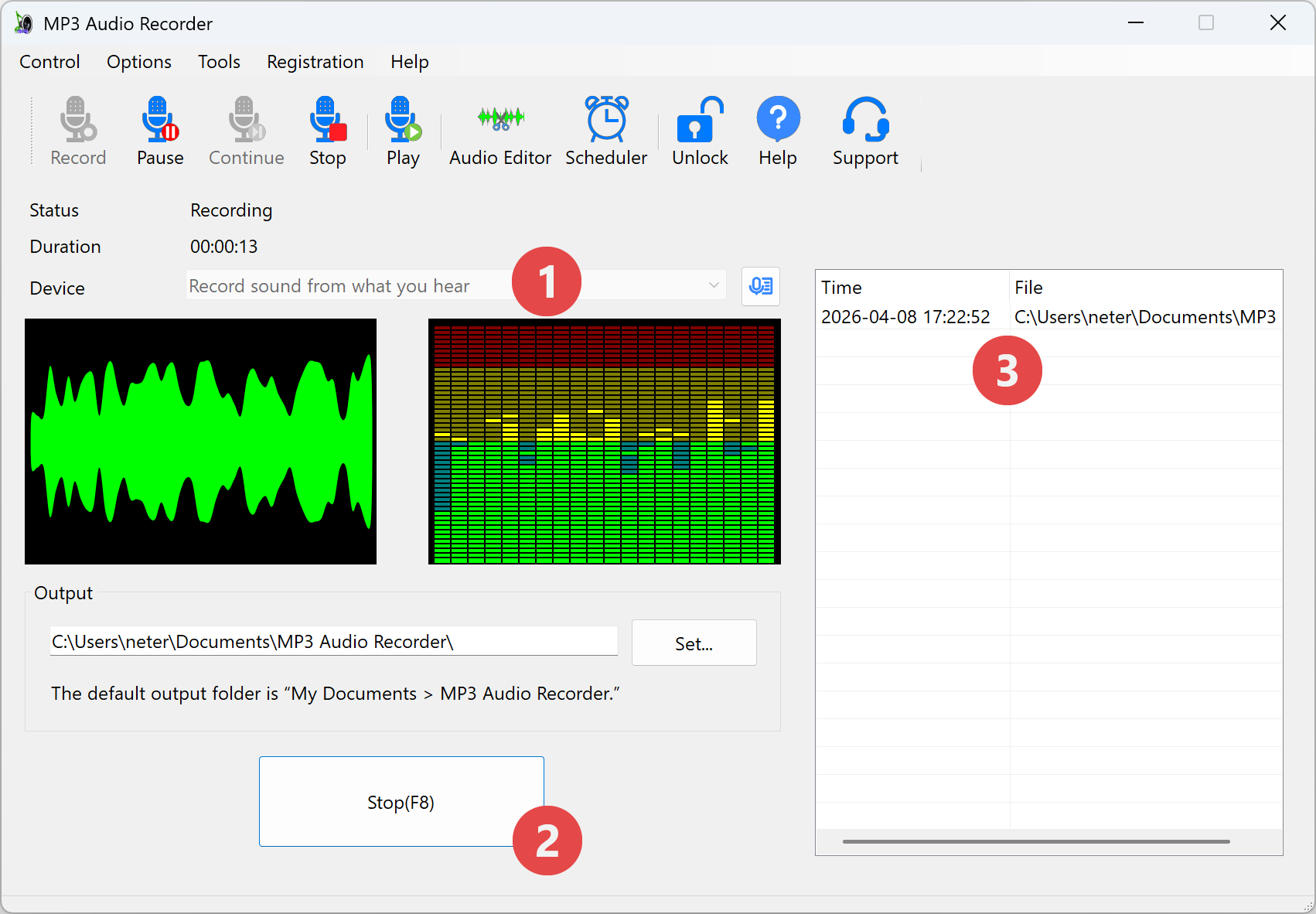
Step 1: Select "Record sound from what you hear" from "Device"

Step 2: Play the streaming audio and begin recording. Stop when finished.
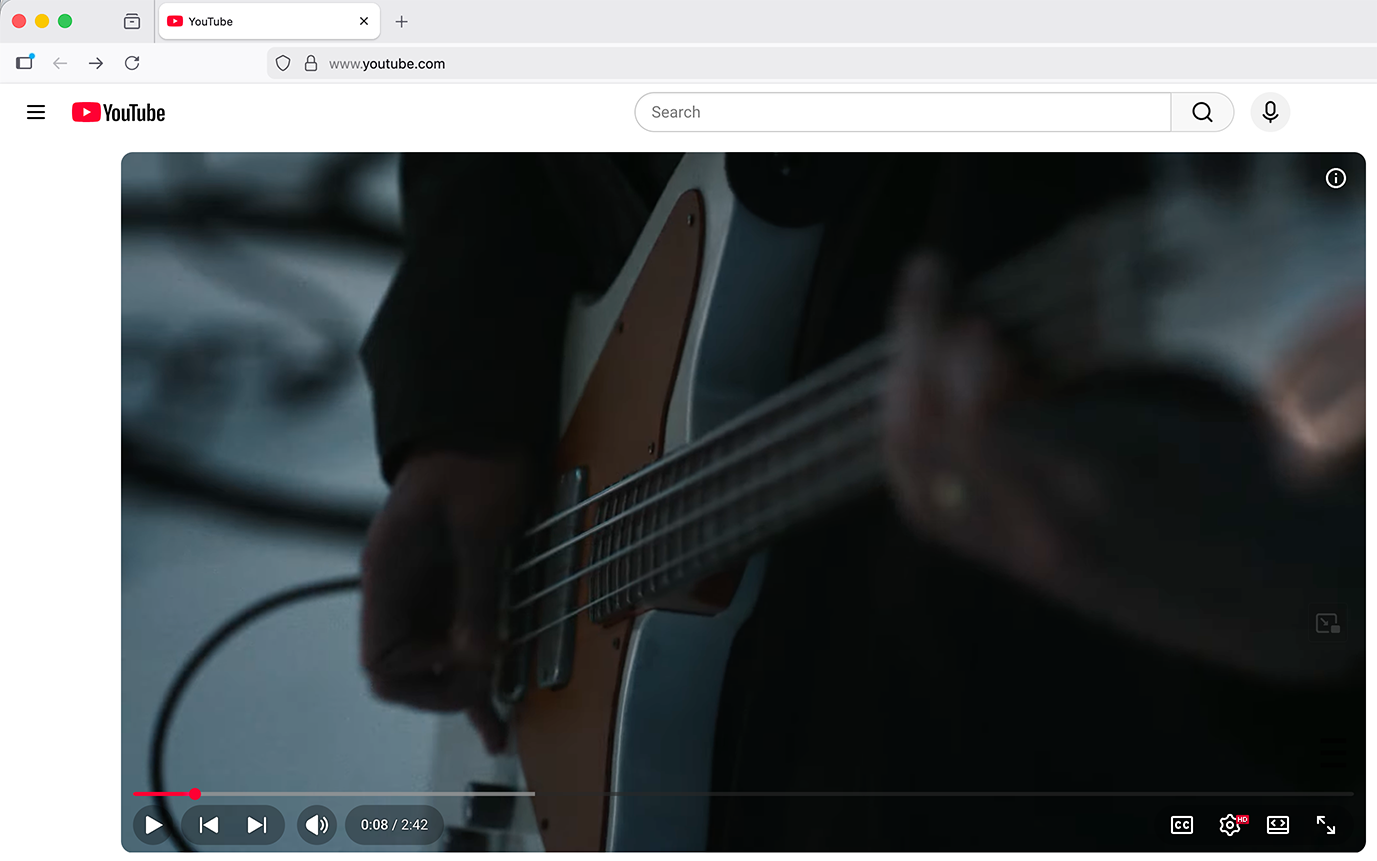
Launch a web browser and play the audio or video you want to record. With no restrictions, you can record podcasts, internet radios, talk shows, audiobooks, and more.

Click the "Record" button to start recording.

Click the "Stop" button to stop recording.
Step3: Play the recording file
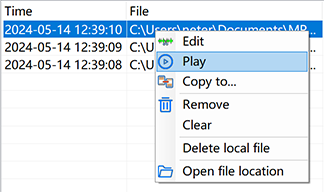
Right-click on the recording history and select the "Play" menu, which will play the recording file.
Congratulations on your achievement!
Privacy Policy
Terms of Service
About
Site Map
Copyright© 2002-2026 ZGZSoft Inc. All rights reserved.