
Products
★ Virtual Device ★
★ Audio ★
★ Screen Recorder ★
★ Converter ★
★ Disc ★
How to Transfer All System Audio to ZGZ Virtual Microphone?
Preparation
Click the button above to download and install ZGZ Virtual Microphone software.
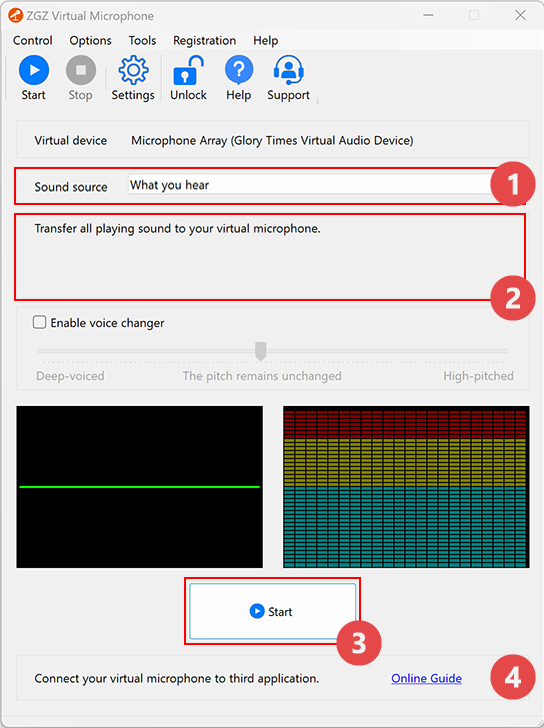
1. Select "What you hear" from the "Sound source" dropdown.

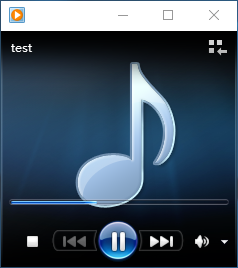
2. Play your favorite music or any other audio.
3. Click the "Start" button.

All system audio is now transferred to your virtual microphone.
Congratulations! You’re all set.
Privacy Policy
Terms of Service
About
Site Map
Copyright© 2002-2026 ZGZSoft Inc. All rights reserved.